A small team posts one “UI/UX designer” role and gets mixed applicants. UI vs UX design is a split between how a product works and feels (UX) and how it looks (UI).
The split matters most when you hire or plan a release, because each discipline fixes a different problem. Our digital design guide for software places both inside the wider design workflow. This article shows how the roles differ in software product work and which one a small team needs first.
UX and UI are not the same job
UX design focuses on how well the product works and how the user feels when using it, while UI design covers how the product looks. Coursera frames user experience as the entire interaction with a product, including how the person feels about it. It frames the user interface as the part of a website, application or device that the person interacts with. Ramotion puts the division in one line: the UX designer decides how the interface works, and the UI designer decides how it looks.
| Aspect | UX design | UI design | Planning use |
|---|---|---|---|
| Focus | How well the product works and how the user feels | How the product looks | Name the problem first: a confusing experience or an unpolished appearance. |
| Scope | Digital products, and also nondigital products and services | Digital products only | UX questions can reach past the screen; UI work stays on the screen. |
| Typical tasks | User research into goals, needs, behaviors and pain points | Choosing visual elements such as color palettes and fonts | Match the task list in a job post to the gap you actually have. |
| Deliverables | Wireframes and prototypes that define the final product | High-fidelity wireframes and layouts that show the final design | Ask for the artifact type you need reviewed before development. |
Definitions come from freeCodeCamp, and scope, task and deliverable details from Coursera.
For a software team, treat UX as the question of whether the product works for the people using it, and UI as the layer they touch. Neither replaces the other, and a product that has only one tends to show the gap quickly.

UI design is more than decoration
The most common misreading is that UI is a coat of paint applied at the end. Ramotion describes UI designers as graphic designers concerned with aesthetics, and that is accurate as far as it goes. The fuller picture, per Coursera, is that UI designers choose the color palettes, fonts and other visual elements. They also make the high-fidelity layouts that show what the final design will look like, and they work closely with developers to convert those designs into a working product.
That makes UI the specification developers build from, not an afterthought. If the structure of your app has already been validated and the screens still feel unfinished, that is UI work and a UI specialist is the right addition.
Skills each role needs
UI and UX designers have some skills in common, but each role also requires its own skill set. Reading a candidate’s work against these lists is more reliable than reading a title.
- UX skills: conducting user research to identify goals, needs, behaviors and pain points, then building wireframes and prototypes to settle what the product should be.
- UI skills: visual judgement for color, type and layout, plus the ability to produce high-fidelity screens that show the final design.
- Shared ground: both roles work closely with developers, so either hire needs to explain a design decision to an engineer and adjust to technical limits.
A portfolio of research-backed flow changes signals UX strength. A portfolio of consistent, finished screens signals UI strength. Very few candidates show both equally, so decide which evidence matters more for your next release.
Where wireframes sit between the roles
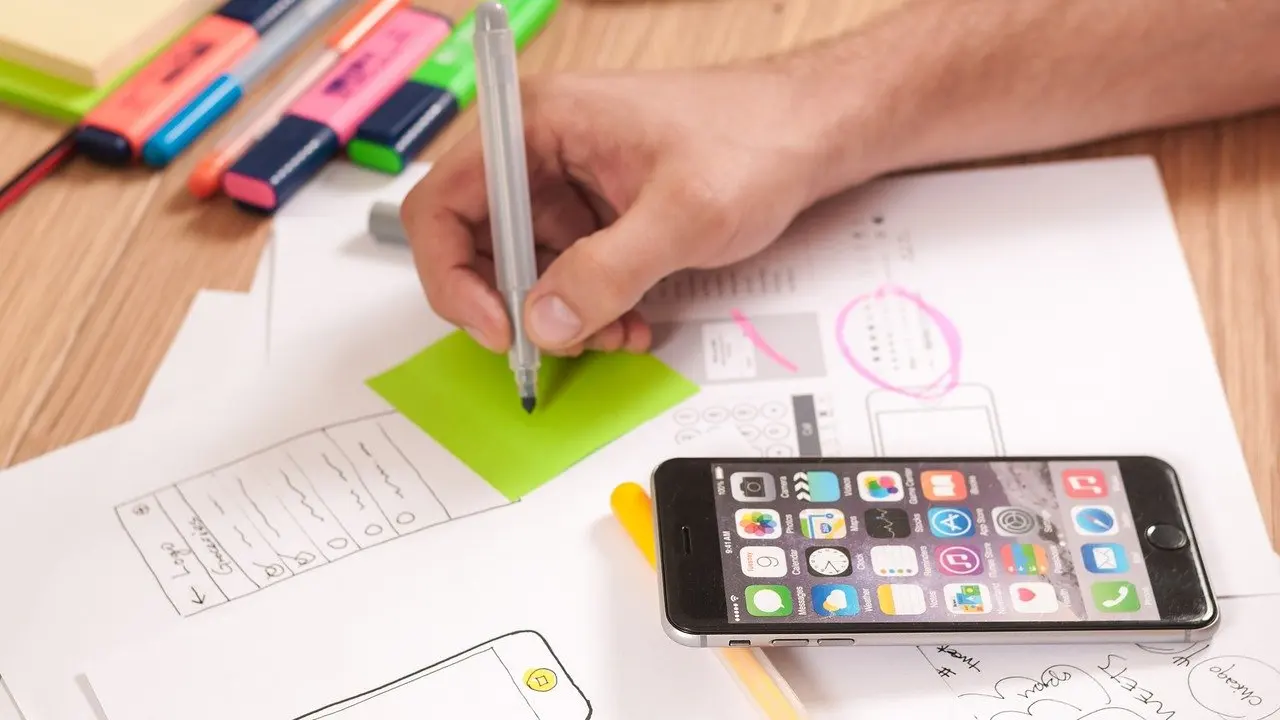
A wireframe is the first artifact both roles can point at. freeCodeCamp describes wireframes as rough prototypes and visual representations of what the UI and its components will look like. UX designers create them to work out the interface and collect user feedback, and the UI designer later turns the agreed structure into polished layouts. Because a wireframe is rough on purpose, people argue about structure instead of colors. If you want to build one step by step, read What Is a Wireframe? A Practical Guide to UX Blueprints (2026) – Interestingdevelopment.
A working handoff between UX, UI and developers
Handoff is where the difference between the roles becomes concrete. A workable sequence for a software feature looks like this:
- Research the problem. UX gathers the goals, needs, behaviors and pain points involved in the product interaction.
- Test wireframes with users. UX creates wireframe renderings of the interface interactions and gets user feedback.
- Fix the layout. UX decides how the interface works, including the best way to lay out the buttons.
- Apply the visuals. UI adapts the visual design to the new layout, so the styled screens follow the structure rather than the other way round.
- Build with developers. Designers work closely with developers to convert designs into a working product.
The button example from Ramotion shows the dependency: when UX changes a layout, UI changes with it. That is why UI visuals should start after the structure is settled. When you reach the visual stage, How To Create A Website Mockup: A Practical 2026 Guide To Faster, Clearer Design – Interestingdevelopment picks up from the structured screens.

Measuring UX and UI success
A team gets a fuller picture by pairing two kinds of evidence, as freeCodeCamp explains.
- Qualitative signals: observational, non-numerical findings about human behaviors, opinions and emotions. Use them to learn why people struggle.
- Quantitative signals: numbers, metrics and measurable data points. Use them to see how widespread a problem is.
- Comparison testing: UX designers may use A/B testing to choose the best solution for better performance. Where a visual choice is contested, a test is a better arbiter than opinion.
The same University of Phoenix article notes that UX work targets low engagement, low conversion rates and user complaints. Those are the natural starting measures for a software product. Pick the one that matches the problem you are trying to fix, and judge visual changes by whether they move the same numbers.
Hiring a UX designer or a UI designer
On a small team, a UX designer will probably be responsible for the whole UX process from start to finish. That makes the first hire a question of which problem is costing you the most.
- Hire UX first when users struggle. Low engagement, low conversion rates and user complaints are the problems UX analytics address, and no amount of visual polish will fix a flow that does not work.
- Hire UI first when the structure is settled. If the flows are validated but the product still needs color palettes, fonts and final layouts that developers can build from, a UI specialist closes that gap.
- Delay specialists if the roadmap is unclear. A single designer who owns the process end to end suits a team that is still discovering what to build.
Pay should not decide the order. According to Glassdoor figures cited by Coursera, the US median total salary, including bonuses, is $108,000 for UX designers and $115,000 for UI designers. The same article calls both careers well paid and in demand, so budget for either and choose by the gap in your product.
Frequently asked questions
| Question | Answer |
|---|---|
| Who coined the term UX? | The term was coined and popularized in the early 1990s by Donald Norman, according to freeCodeCamp. |
| Is UI design narrower than UX design? | Yes. UI designers have a narrower focus than their UX peers, concentrating on screens and visual elements, while UX has the broader remit. |
| Does a combined UI/UX job title mean the person does both jobs? | Not necessarily. Coursera advises paying more attention to the list of tasks or qualifications than the job title, because mixed titles tend to lean toward one discipline. |