A team asks a chatbot to refund an order and gets a polite reply, but no refund. Custom AI agents close that gap: they choose their own steps and call tools within limits you set, so the task actually gets done.
This walkthrough covers how to scope, build, test and guard one. For wider context, see AI and automation tools for software teams.
Agent or chatbot: the difference that matters
A custom AI agent is a system built around a large language model that is given a purpose, memory and tools, and that decides what to do next. The common misunderstanding is that an agent is a chatbot with a longer prompt. A chatbot answers questions in response to typed input. An agent works toward a goal, and that changes how you design, secure and audit it.
| Dimension | Chatbot | Custom AI agent | Planning use |
|---|---|---|---|
| Core behaviour | Answers questions when a user types something | Checks context, picks a tool, tries it, and adapts or tries a different approach if it fails | Choose an agent only when the task needs multi-step action, not just an answer |
| Decision-making | Many platforms offer chatbots without the ability to decide on their own | Makes decisions on its own within its defined scope | Decision freedom is what needs limits, so scope it before you build |
| Building blocks | Mainly the model’s replies | A brain (the model), memory, tools and autonomy | Plan for each of these four parts, because each can fail separately |
| Connections | Usually a chat channel | Knowledge bases, channels, webhooks and other platforms | The integration layer defines what the agent can really do |
The contrast draws on Botpress’s guide to building an AI agent and a LinkedIn walkthrough on building a first agent, which frames the four capabilities as the author’s own model.
Because an agent can act, treat it like a software service rather than a chat widget. That means access control, logging and a defined way to stop it, which later sections cover.
Choosing a framework or platform
There is no single best framework. The right pick depends on who builds the agent and where it must run. Whichever route you choose, outline the agent’s purpose first, as Botpress advises, because purpose decides which of the options below fits.
- Visual, low-code builders. Microsoft describes Copilot Studio as the tool for building agents and extending Microsoft’s Copilot, with a visual canvas, defaults and pre-built tools. It suits teams already in the Microsoft ecosystem who want a working agent without much code. A community poster on the Hugging Face forum reports building agents with minimal coding in Microsoft Copilot and n8n.
- Pro-code in your editor. Microsoft’s agent page says developers can create, test and deploy agents inside VS Code using the AI Toolkit, GitHub Models and Microsoft Foundry extensions, working in the languages they already know. It also describes an integrated library of SDKs and APIs for the AI development lifecycle. This route suits engineering teams that want version control and tests around the agent. Our guide to the Best Free AI Coding Assistants in 2026: Find The Right Tool Fast – Interestingdevelopment covers editor-side tools that pair with this approach.
- Agent platforms with built-in studios. Botpress recommends choosing a platform with a simulator inside its studio so you can test before launch. These platforms suit support-style agents where channels and knowledge bases matter most.
Model choice matters as much as framework choice. Microsoft says its Foundry catalog holds over 11,000 foundation, open, task and industry-specific models. In one developer’s test on dev.to, stronger models gave good results from the same agent design, while weaker or auto-selected ones gave poor results. Pick a capable model first and only downgrade after your tests show the cheaper model still passes.
One limit applies to visual builders. The Hugging Face thread describes visual and no-code agent tooling as still early, and one user could not move an agent off the platform to use it on their own website. If the agent must live inside your product, check export or embedding options before committing.
Building the agent step by step
Build in a fixed order: purpose, access, connections, instructions, then testing. Skipping the first step is the most common reason agents drift.
- Write the purpose. State what the agent does and where it stops, as Botpress recommends.
- Set up the model account and tools. The LinkedIn walkthrough starts with creating an account at claude.ai before installing anything else. Other routes begin with an editor extension or a studio login.
- Connect knowledge and systems. Link the agent to knowledge bases, channels, webhooks and platforms. Webhooks matter because these automated event notifications let the agent communicate with other systems in real time.
- Write the system prompt. Spell out the plan the model must follow. The dev.to author built a system prompt specifically so the model would not fall back on habits from its training and go off plan.
- Test, adjust, repeat. The same author’s method is to test repeatedly, with each test producing a small tweak to the instructions.

Vendors report that this can move quickly. Microsoft’s agent page cites Audi AG building a secure, scalable AI assistant in just two weeks with Azure. Treat that as a vendor-reported result for one customer, not a planning figure for your own project.
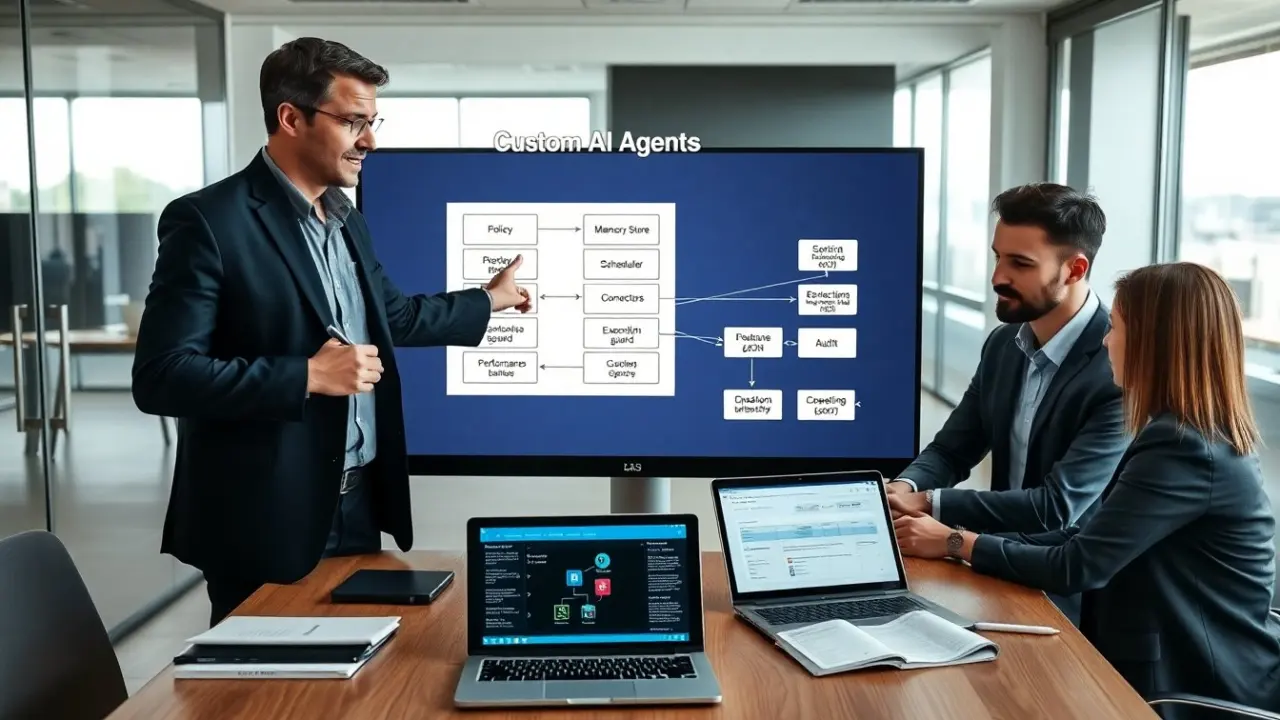
Example architecture
A workable agent has a clear layer for each job. Reading the layers in order shows where each risk sits.
- Model layer. The large language model decides what to do next. It keeps no memory between calls, so the surrounding system must resend history on every request.
- Memory and knowledge layer. Retrieval-augmented generation (RAG) parses documents and retrieves the relevant information for the agent. Botpress says the strongest systems use it, so use RAG when the agent must answer from your own documents rather than from the model’s training.
- Tool layer. The agent picks tools such as APIs or databases and tries them, adapting when one fails.
- Trigger layer. Webhooks and channels start the agent and carry its results to other systems.
- Control layer. The system prompt, scope rules and logging sit around everything else. This layer is where guardrails live.
What an agent run costs
Cost per run is not a flat number, because it depends on how the agent is built. The dev.to author explains that the model has no memory, so all of the history is sent each time. Every tool call adds to the history that must be resent, so token use grows with each step. The same source notes that context limits can be heavily affected by how you build your agent.
Three decisions follow for budgeting. Keep scope narrow so runs need fewer tool calls. Keep what you resend lean. Then read your model provider’s pricing page and apply its per-token rates to a logged run from your own tests, which gives you a real figure for your agent instead of a guess.
Testing and evaluating before launch
Test in a simulator or staging setup before real users see the agent. Botpress advises that an agent platform should offer a simulator within its studio for exactly this. Run realistic requests, check which tools the agent chose, and read the full trace, not only the final answer.

Evaluation is where outputs must be provable. One contributor on the Hugging Face thread argues that agents need clear scope, refusal behavior, and a way to prove their outputs can be trusted later. In practice, keep a set of test requests, include ones the agent should refuse, and rerun them after every prompt or model change.
Agents suit work whose steps you already understand. If you are still deciding which workflow to automate, compare approaches in Process Mining And RPA: How To Unlock Faster, Smarter Automation In 2026 – Interestingdevelopment before you build.
Risks and guardrails
Guardrails are the rules, limits and checks that keep an agent inside its purpose. The community view on Hugging Face is that the hardest part is not code but designing the rules, failure modes, and verification. Plan for these risks:
- Going off plan. A model can fall back on its training defaults. A purpose-built system prompt keeps it on the plan, as the dev.to author did.
- Unbounded scope. Agents without clear scope or refusal behavior are hard to trust. Define what the agent must decline, and test those cases.
- Unverifiable outputs. Log inputs, tool calls and outputs for each run so decisions can be checked later.
- Context growth. Long histories make runs costlier and can hit context limits, so design what the agent carries forward.
- Platform lock-in. Agents built in a closed no-code tool may not leave it. Confirm deployment options early.
Because the agent can take actions, give it only the access its purpose needs, and keep a person in the loop for steps that are hard to undo. Those are design judgements rather than findings from the sources above, so apply them in proportion to what the agent can touch.
Frequently asked questions
| Question | Answer |
|---|---|
| Can I build a custom AI agent without writing code? | Yes, to a degree. Copilot Studio offers a visual canvas with defaults and pre-built tools, and community users report building agents in Copilot and n8n with minimal coding. Expect to hit limits on deployment and customisation. |
| How long does it take to build one? | It depends on scope. Microsoft cites Audi AG building an AI assistant in two weeks, a vendor-reported customer case. Plan for repeated test-and-tweak cycles after the first working version. |
| Can I move an agent off a no-code platform? | Not always. One forum user could not get their agent out of the platform to use on their own website, so check embedding and export options first. |